There is no single retention period that suits every business. The right storage duration depends on several practical factors.
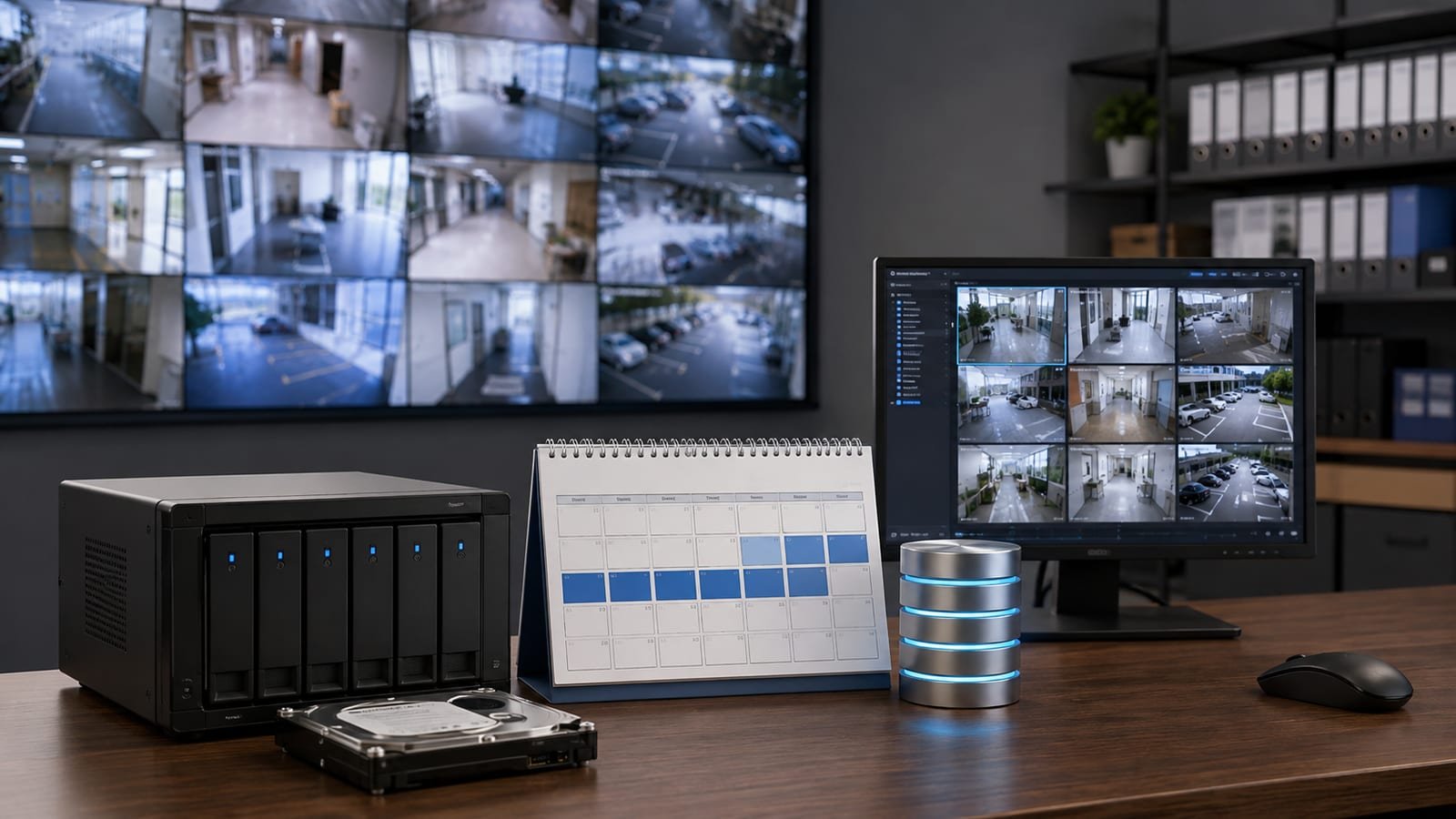
There is no single retention period that suits every business. The right storage duration depends on how quickly incidents are usually discovered, camera count, recording quality, legal or contractual requirements and the cost of storage.
Ask how long it normally takes before a business notices a problem. If stock discrepancies are reviewed weekly, keeping only a few days of footage may be insufficient. If most incidents are identified the same day, a shorter retention period may be practical.

A system can look completely normal on live view while storage settings or a failing drive quietly cut your real retention short.
Continuous recording captures everything but uses more storage. Event-based recording can extend retention, but businesses must be comfortable that the event rules are reliable for their use case.
Storage duration cannot be estimated accurately from hard-drive size alone. Two 1 TB systems can have very different retention if camera count, resolution and bitrate differ.
Retailers often need enough history to review stock, cash or customer incidents that may not be discovered immediately — our guide on CCTV security for retail shops covers how retention supports theft investigation. Offices may focus on entrances, parking or access events. Retention should align with the investigation window.
Industrial sites often have more cameras, longer operating hours and larger areas. Storage planning should consider both security incidents and operational review needs.
Open playback and check the earliest available date. Do this regularly. A system can appear to be recording while storage settings or hard-drive problems reduce the real retention period. Stored footage is also only useful if it is clear enough to act on — see our tips on improving CCTV evidence quality for faces, vehicles and timestamps.
Define target retention first, then calculate required storage. Do not buy a drive first and hope it is enough. Our DVR/NVR team can help size storage for businesses across Katraj, Kondhwa, Bibwewadi, Swargate and wider Pune/PCMC based on real camera settings.
Shivtej CCTV supports homes, shops, offices, housing societies, warehouses and factories with CCTV installation, repair, AMC, DVR/NVR configuration, remote monitoring support, smart CCTV planning and security consultation — with primary service focus in Katraj, Kondhwa, Bibwewadi and Swargate, plus wider coverage across Pune, Kharadi and PCMC. The recommended system should be based on the property, security objective and recording requirement rather than a one-size-fits-all camera package. Call or WhatsApp +91 93093 73785 or get in touch with our team.



Comments
Be the first to comment on this article.