Seven common CCTV faults that can make a system look active while leaving you without usable security footage.
Common CCTV problems include no video, camera offline errors, unclear footage, failed recording, hard-drive warnings, mobile viewing issues and night-vision problems. The cause may be the camera, power supply, cable, connector, network, recorder, hard drive or configuration.
A black screen or “video loss” message can come from power failure, loose connectors, damaged cable, failed camera hardware or recorder input issues. A technician should isolate the fault systematically instead of replacing the camera immediately.
Blur can be caused by dirty lenses, incorrect focus, poor mounting, low light, compression, insufficient resolution for the distance or a lens that is too wide for the subject. If the goal is to identify faces or number plates, the scene may need a different camera position or lens—not only cleaning.

A system can show live video while recording has stopped. Common causes include a failed or uninitialized hard drive, incorrect recording schedule, storage errors, overwritten settings or recorder faults. Always test playback, not just live view. If you are unsure whether the fault is with your recorder type in general, our DVR vs NVR comparison explains how each system is meant to behave.
Hard drives used for continuous surveillance operate for long periods and can eventually fail. Warning signs include beeping, missing playback dates, recording gaps or storage errors. Replacing a failing drive should be followed by formatting, recording checks and retention verification.
Remote viewing depends on the recorder’s network connection, router settings, app configuration, internet availability and account/device pairing. A local system can still record even when mobile access is offline, so first confirm whether the issue is only remote access or the entire recorder.
Night problems can result from weak illumination, infrared reflection from nearby walls, spider webs, glass, dust, incorrect angle or headlights. Cleaning and repositioning may solve some cases; others need a different camera or supplemental lighting.
Intermittent faults are often harder to diagnose than complete failures. Check power adapters, PoE switches, cable terminations, connectors, moisture ingress, network stability and heat. Repeatedly restarting the recorder can hide the symptom without solving the cause.
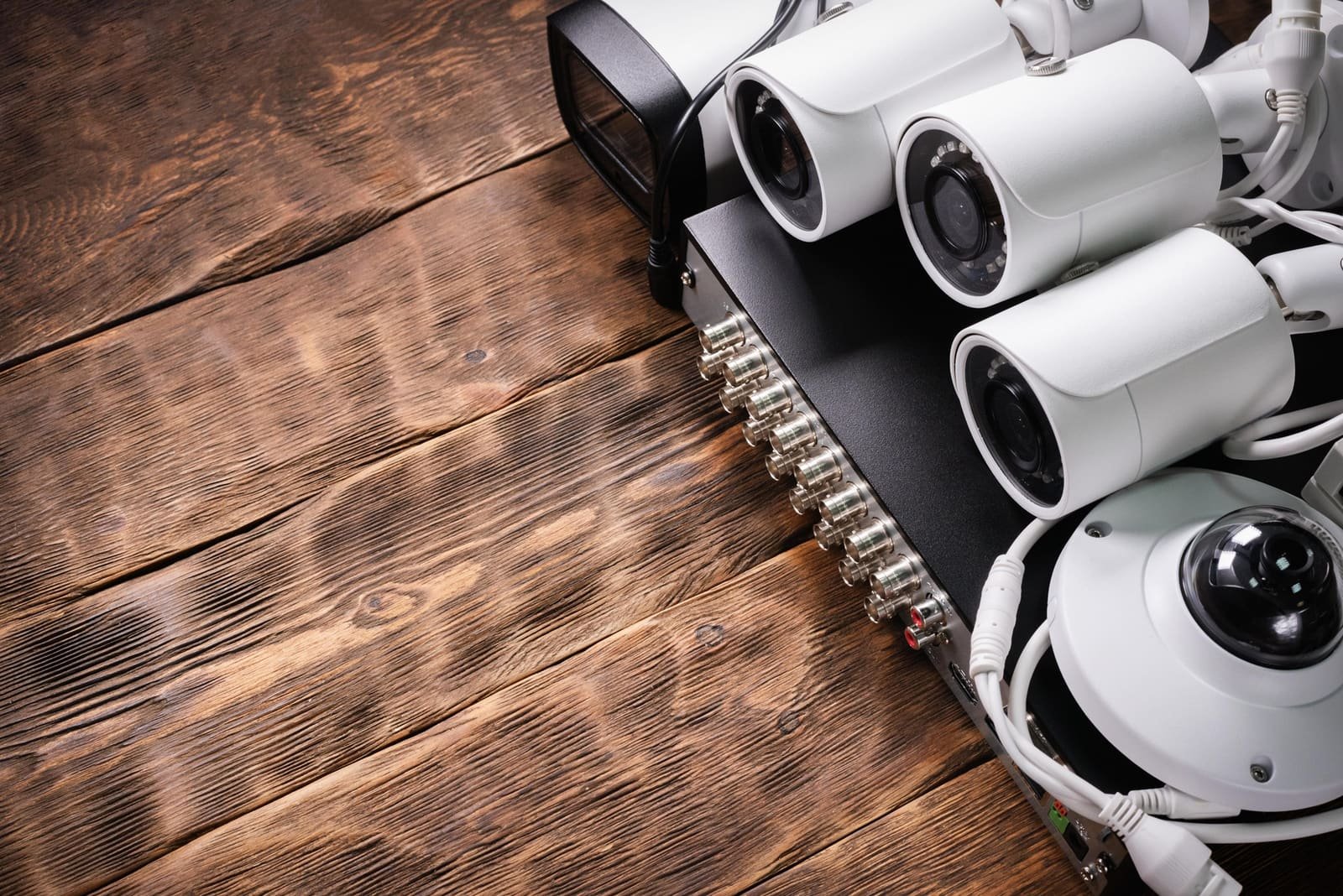
Recorded playback and hard-drive health are the most important things to test — live view alone can look completely normal even when nothing is being saved.
Call for service when recording is missing, multiple cameras are offline, the recorder gives hard-drive warnings, mobile access cannot be restored, outdoor connections show moisture damage or footage is too unclear for the security purpose. Frequent repeat faults are often a sign the system itself has reached the end of its useful life — see our guide on when to upgrade an old CCTV system to decide between another repair and a replacement.
Shivtej CCTV supports CCTV repair, recorder checks, camera replacement, cabling correction, mobile-view troubleshooting and maintenance across Pune and PCMC. A scheduled annual maintenance contract (AMC) can also catch many of these faults before they cause a loss of footage.
Need help with CCTV in Pune or PCMC? If you are planning a new CCTV system, troubleshooting an existing setup or reviewing maintenance requirements, Shivtej CCTV can help with CCTV installation, repair, AMC, DVR/NVR setup, remote viewing and security consultation across Pune and PCMC — including Kondhwa, Mundhwa, Bibwadi and nearby areas. Call or WhatsApp +91 93093 73785 or get in touch with our team.



Comments
Be the first to comment on this article.